close

Important Announcement
Title, thumbnail ya video me agar abusing, adult ya sexually explicit content paya gaya to channel bina kisi warning ke permanent delete kar diya jayega. Yeh rule turant lagu hai. Ab tak 350+ channels delete kiye ja chuke hain. Kripya kisi bhi prakar ka adult ya abusive content upload na karein. Rule violate hone par channel bina bataye delete ho jayega.


— Team ApnaTube

Kratke hlače Stvoriti
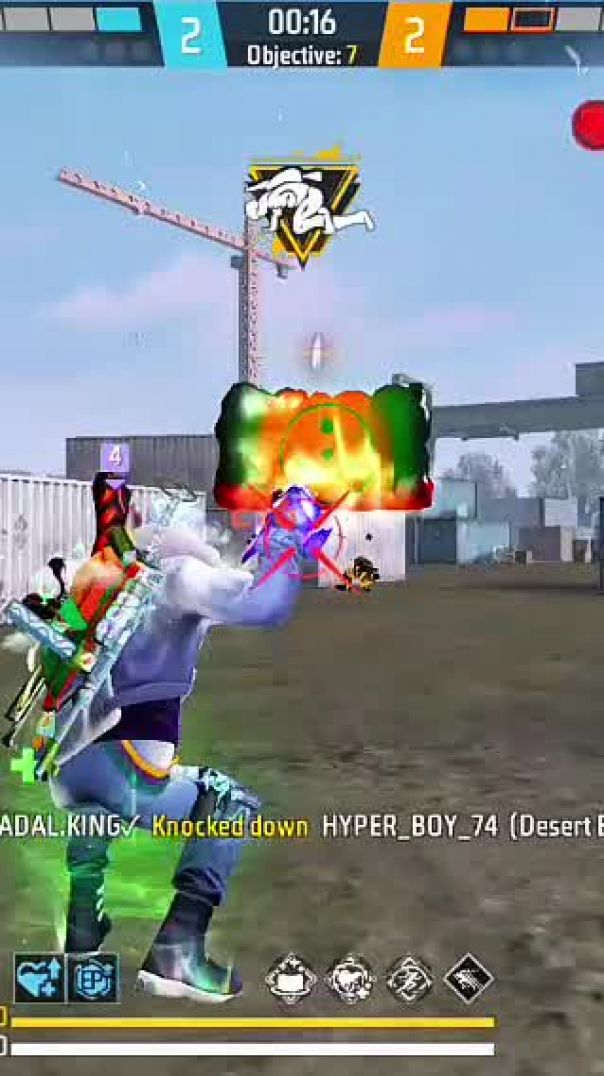
had shout in free fire đŸ”„

Badal

0

2

#find #lyunaff #teamfx #gamtng

DISCLAIMER:

No copyright infringement intended. All media in this video is used for the purpose of reaction and commentary under terms of fair use. All footage, music & images used belong to their true owners. All content used in adherence to Fair Use copyright law.


Copyright Disclaimer Under section 107 of the Copyright Act of 1976, allowance is made for "fair use" for purposes such as criticism, comment, news reporting, teaching, scholarship, education, and research.

Fair use is a use permitted by copyright statute that might otherwise be infringing.

Akram

5

10

mehant of power

vikram

0

2

Guru premanand maharaj ji

Aanand vani

0

4

180 speed form car

Rohittanwar

1

6

Hello Dosto! 👋
Aaj ki video mein main aapko sikhane wala hu ki aap kaise AI ki madad se apni photo BMW M5 ya kisi bhi luxury car ke sath bana sakte hain. Ye photo editing abhi Instagram aur Social Media par bahut viral chal rahi hai!
​Is video mein maine bataya hai ki kaise aap Text Prompt ka use karke bilkul realistic photo generate kar sakte hain.
​👇 Prompt Used in Video 👇
(Isko copy karke paste karein)
​Prompt: "Ek ladke ki photo lo aur use BMW M5 car ke bonnet par naturally bitha do. Ladka stylish pose me ho, confident look ke saath. BMW M5 luxury sports car clearly visible ho. Sitting position realistic ho, body proportions perfect lagin. Lighting, shadows aur reflections car aur ladke dono par perfectly match karein. Background urban ya outdoor cinematic ho. Image ultra-realistic, high quality, sharp focus ke saath ho."
​🚀 Tools Used:
​Bing Image Creator / Microsoft Designer / (Jo bhi tool aap use kar rahe hain uska naam)
​Remaker AI (Agar aapne face swap bhi sikhaya hai to ye likhein)
​Topics Covered in this Video:
​AI photo editing kaise kare.
​Bing image creator new trending prompts.
​3D social media AI photo editing.
​How to add your face to AI images.
​Car lover AI photo editing.
​Agar aapko video pasand aaye to Like aur Share jarur karein! Aisi aur amazing editing tricks ke liye channel ko SUBSCRIBE karein. 🔔
​Hashtags:
#AIPhotoEditing #BingImageCreator #PhotoEditing #BMWCarEdit #ViralEditing #TechTutorial #TextToImage #AIArt #[AapkeChannelKaNaam]

Banti Singh

0

3